> For the complete documentation index, see [llms.txt](https://docs.trmnl.com/go/llms.txt). Markdown versions of documentation pages are available by appending `.md` to page URLs; this page is available as [Markdown](https://docs.trmnl.com/go/private-plugins/templates-advanced.md).
# Screen Templating (Graphics)
Go deeper with custom screen styling, data visualization, and more.
## Overview
The TRMNL design system is actively improving to suit the needs of our [growing plugin directory](https://trmnl.com/integrations) and requests from developers like you.
As we extend [native components](https://trmnl.com/framework), you are welcome to provide in-line styling to plugin markup to achieve your desired effect.
You may also included 3rd party libraries, for example [Highcharts](https://www.highcharts.com/), to create data visualizations like charts and graphs.
## Quickstart
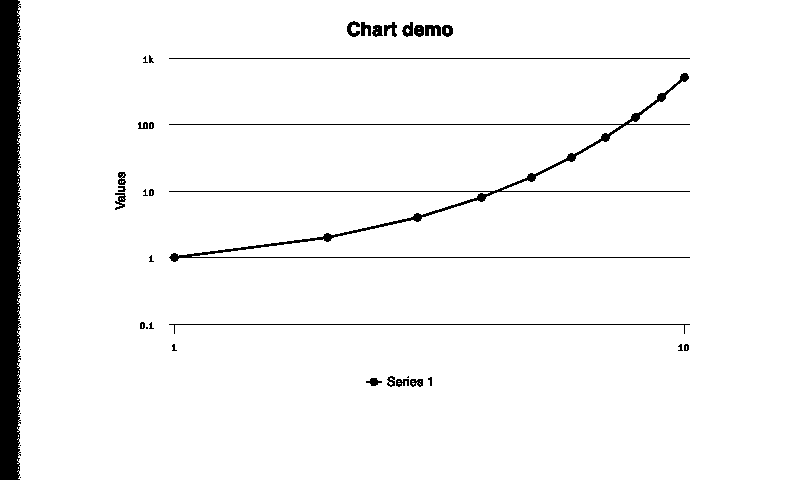
Here's some example Markup content that will render an *ugly* line chart:
```
```
If this is saved into a [Private Plugin](https://trmnl.com/plugin_settings?keyname=private_plugin) > Markup field, the following screen will be rendered:
Un-styled chart example
As you can see, this isn't pretty (yet).
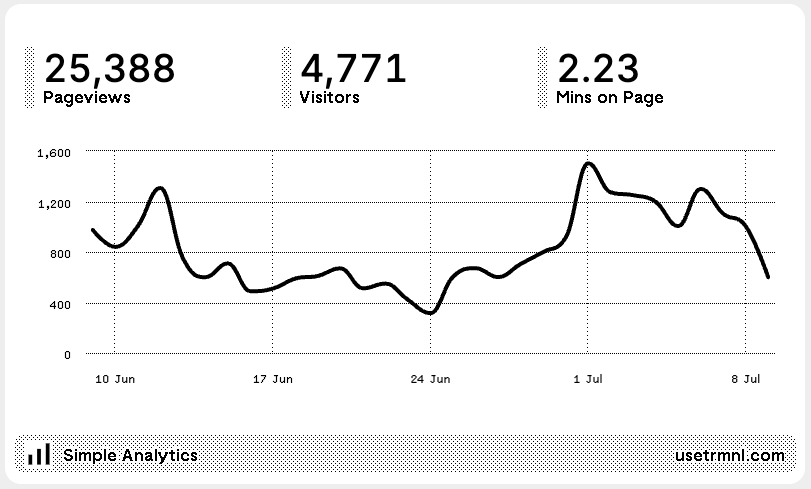
Here's another line chart with TRMNL-friendly styling:
Styled line chart example
Get all the code + learn how to do this here:\
## More Charts and Graphs
Our [Framework docs](https://trmnl.com/framework) are the best place for the latest examples and tips to improve the look and feel of graphical embeds from 3rd party tools like Highcharts.